Free Online Photo Repair

Quickly repair your damaged JPEG/JPG or raw photo files online for free.

Upload your Corrupt Photo

And Get an Instant Preview
Upload your Excel File for Conversion

20MB upload file size limit

For Unlimited size use Desktop Software
By Uploading, you agree to our Privacy Policy

3 Simple Steps to Repair Your
Corrupt Photos Online

Upload a Corrupt Excel
Step 1

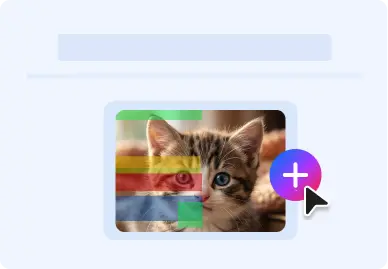
Upload your Photo

Upload your corrupted or damaged photo.

Automatic Repair
Step 2

Automatic Repair

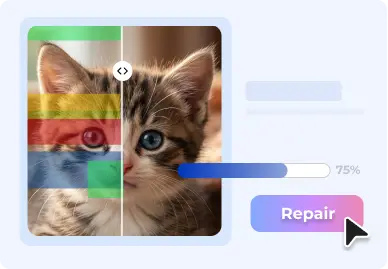
Once you click on 'Repair', process starts automatically.

Automatic Repair
Step 3

Preview & Save

Preview your restored photo & save it at a desired location.

Photo Restoration Made Simple with Online Photo Repair Tool

Compatible with All Major Photo File Formats

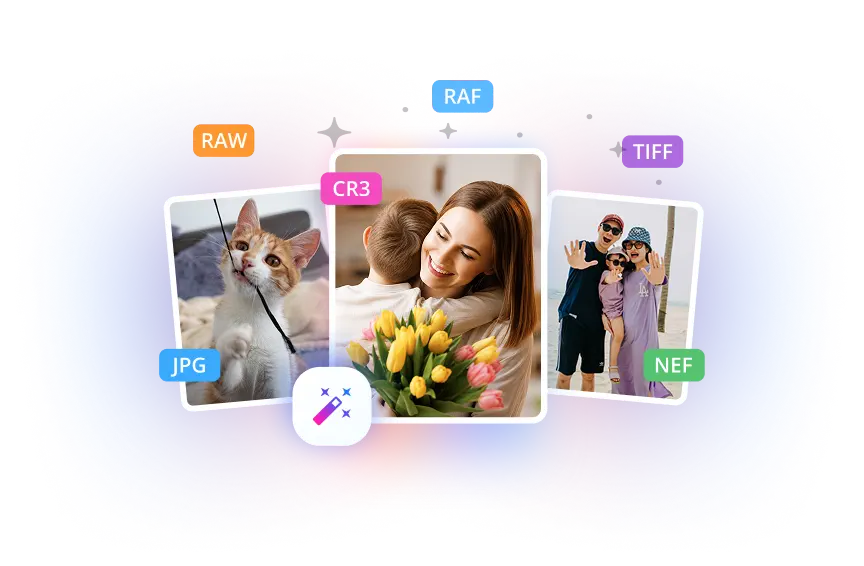
Repair your corrupt or damaged photos online with minimum or no technical expertise. Fix photos in all popular file formats that work on Windows and Mac, including '.jpg', '.jpeg', '.heic','.tiff', '.nrw','.dng','.orf', '.srf', '.crw','.bay', '.arw','.nef','.sr2', '.tif','.raw','.erf','.pef', '.raf','.cr3','.cr2','mrw', '.rw2','.tiff', and '.srw'.

Repair Photos in Any Format
Repair Photos Across All Devices

Repair Photos Across All Devices

Fix your photos shot on all popular camera brands including Sony®, Canon®, Nikon®, FujiFilm®, GoPRo®, DJI®, Panasonic®, Samsung®, Olympus®, Pentax®, Mamiya® etc. and all storage devices, including memory cards, SDXC, SDHC, pen drives, USB flash drives, CF cards, CD/DVD, SSD, and more.

Online Photo Repair Fixes Photos
in any scenario

BeforeAfter
Before
After

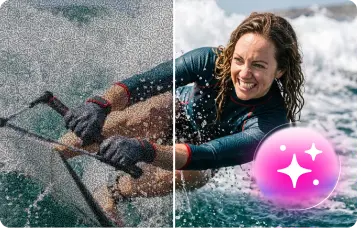
Fix Blurry Photos

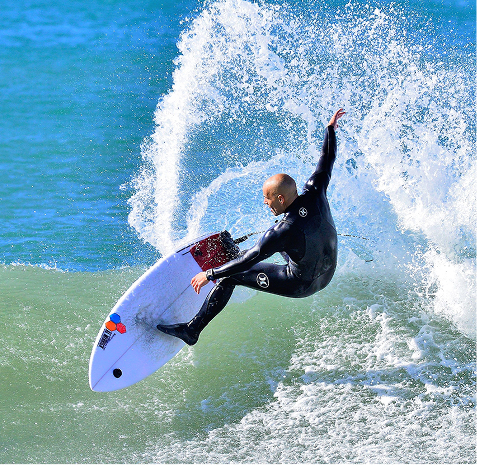
Say goodbye to your old blurry or grainy pictures! Restore their clarity and sharpness with our effective online photo repair tool.

BeforeAfter
Before
After

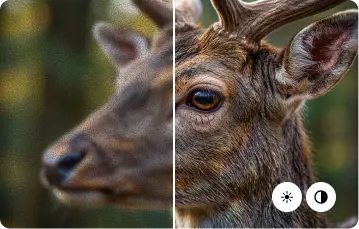
Restore Pixelated Pictures

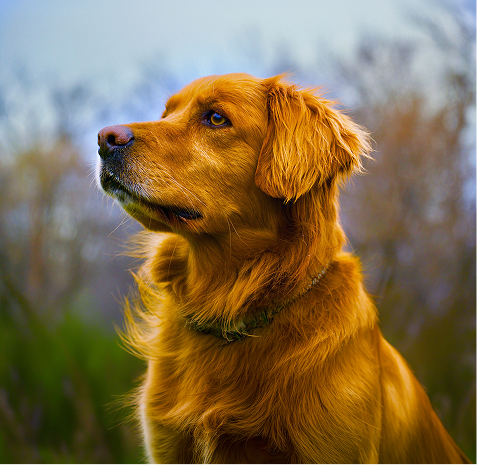
Bring your pixelated photos back to life! Restore the resolution and quality of your images with our trusted tool.

BeforeAfter
Before
After

Resolve 'Photos Not Opening' Error

If your image file won't open, it could be due to corruption, storage issues or software glitches. Our tool can fix these errors.

BeforeAfter
Before
After

Fix Greyed Out Images

Fix misaligned or greyed-out sections and restore true colors instantly.

BeforeAfter
Before
After

Repair Corrupt Images

Repair unreadable or corrupted image files including header/data issues.

BeforeAfter
Before
After

Correct Color Fading

Restore clarity, remove blemishes and enhance colors instantly.

Upgrade to Premium for Unlimited
Photo Repair & Advanced Options

Unlock enhanced capabilities by upgrading to the Premium Edition of the online photo repair tool and experience the difference!

Free

$0
  • Repair 3 JPEG/JPG Files for Free.
  • Single file size limit is 20 MB.
  • Repaired photo files available for download till 3 hours from file upload.

Premium

$9.99/mo
Monthly
Yearly 15% OFF
Buy Now
  • Repairs 10 corrupt JPEG, JPG, HEIC and RAW Format files.
  • Single file size limit is 500 MB.
  • Repaired photo files available for download until 24 hours from file upload.

FAQ

How can I repair a damaged or corrupted photo online?

You can use Stellar Online Photo Repair tool to fix your damaged photo files for free. You need to follow just three steps - upload corrupted photos, start the auto repair process, and preview the repaired file before saving it to a desired location.

Is it safe to upload my photos here?
Can I repair multiple files in one go using the online photo repair tool?
What are the file formats supported by the online photo repair tool?
What is the difference between the "Free" and "Premium" editions/plans of the Stellar Photo Repair Online Tool?
Can I download a repaired Photo file after 24 hours?
Can I get the refund if it doesn't work?
BitRaser With 30 Years of Excellence
Technology You Can Trust
Data Care Experts since 1993
  • tuv1
  • tuv2
  • nist
  • hipaa